Before You Download
Three checks prevent nearly every failed install. Storage first: the file is 222.8 MB and the app needs room beyond it for library data and episode downloads, so keep a gigabyte or more free. Connection second: Wi-Fi where you can, because a file this size on a fading signal is a restart waiting to happen. Device third: Android 7.0 or newer, on the phone or the television you plan to watch on. The same universal file covers both, so one download can serve the whole house.
Installing After the Download
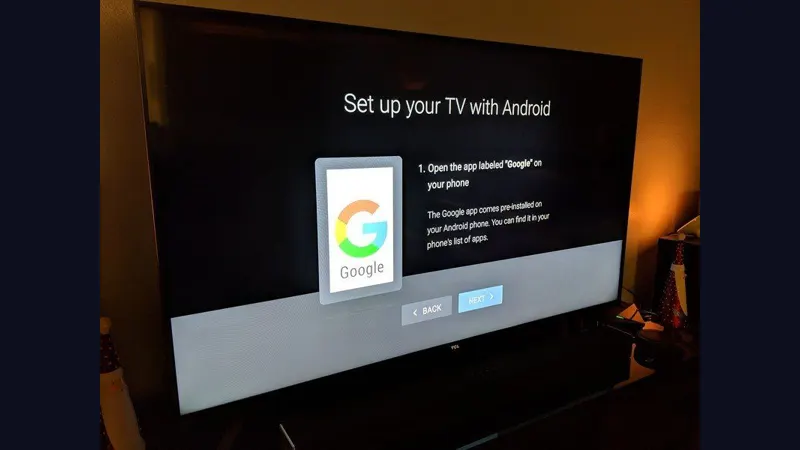
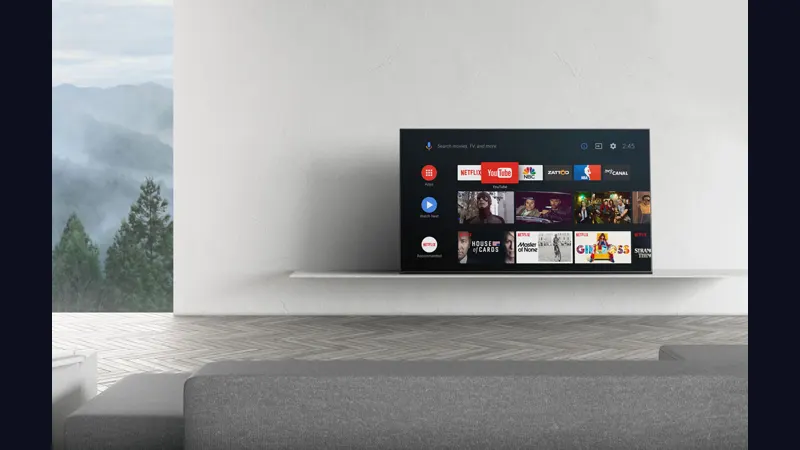
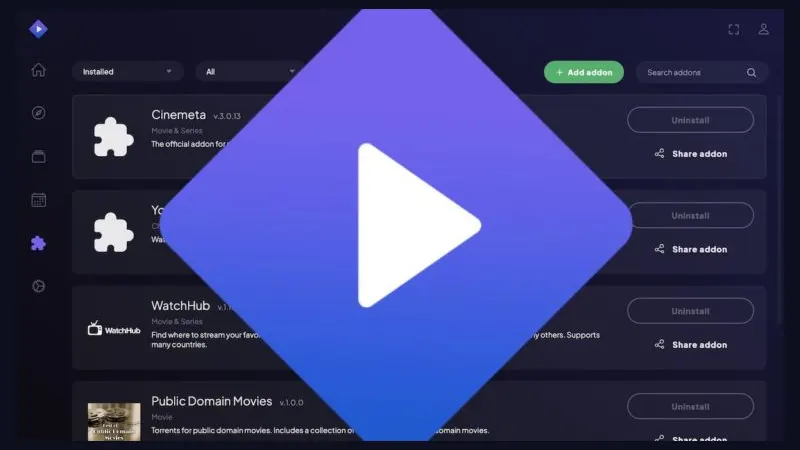
When the countdown ends, tap the button, save the file, then open it and allow installs from your browser or file manager when Android asks. On a television, open the file from the TV's file manager and install the same way; the app opens in its full TV layout automatically. Once installed, browse the catalogue first, then add your first addon when you are ready to play a title. The homepage carries the full install walkthrough for phone and TV.
Why Download From Here
Popular apps attract stale and tampered re-uploads, so this page publishes its checks. The package identity matches the genuine NuvioMedia build, the file size matches the table on this page, and our reviewer sets the app up properly, phone and TV, addons, sync and downloads, before a build replaces the previous one. No bundled installers, no extra permissions, no surprises.