Guide
How to Install Nuvio TV on Android Phone and TV Without a Failed Download
The Nuvio TV install done right on phone and Android TV: space first, Wi-Fi, the install permission, and the first launch checks.

GUIDE INDEX On this page
A 222.8 MB file deserves a calm install, not a hopeful tap. Follow the order below, starting with the verified file from Nuvio TV APK, and the app will be browsing posters within minutes on either screen.
Before the file lands
Free real space first. The download is 222.8 MB and the installed app needs room beyond it for library data, poster artwork and any episodes you save later, so keep a gigabyte or more genuinely free. Then get on Wi-Fi and fetch the file from the download page, so the copy you install is the verified one. A large file on a fading signal is the most common cause of the will not install problem, and the cure is never a clever setting; it is a complete file, downloaded once, properly.
Install on a phone
Open the finished file, allow installs from your browser or file manager when Android asks, and tap Install. Your phone needs Android 7.0 or newer. On first launch the app opens on its home screen with the catalogue ready to browse. Resist pressing play immediately: look through a few title pages, open a cast list, and confirm everything loads quickly. That two minute tour tells you the install is healthy before addons enter the picture.
Install on Android TV
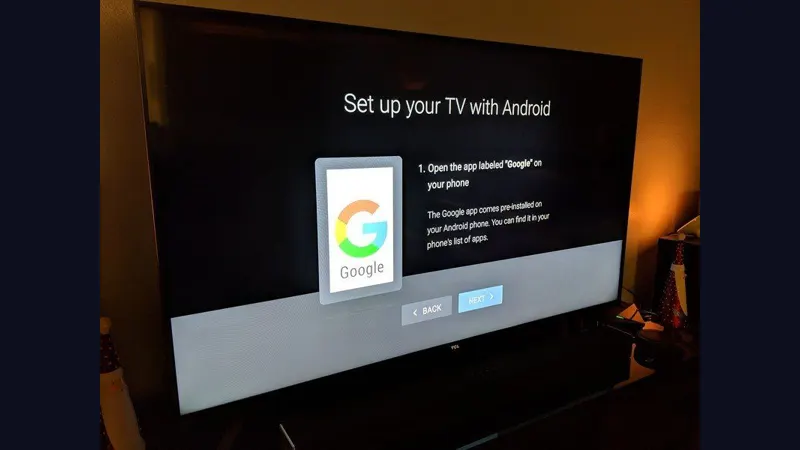
The same universal file installs on the television. Open it from the TV's file manager, or copy it across from your phone first, then allow the install in the same way. The app detects the big screen and opens in its full TV layout, with wide poster rails and remote navigation, no separate TV version to hunt for. Our dedicated walkthrough in the Nuvio TV for Android TV setup guide covers the TV side screen by screen, including where televisions like to hide the install permission.
If the install fails
Compare the file size against 222.8 MB before anything else; short means broken, and broken means download again. Then check storage, then the install permission for the app you opened the file with. Those three checks close nearly every case readers mail us about. If the app installs but behaves oddly afterwards, work through the common Nuvio TV problems and fixes in order, because most odd behaviour after a good install has a short, known list of causes.
Your first ten minutes
Browse first, play second. Settle the basics in this order: confirm the home rows load, open one movie and one series page, check the library screen, then add your first addon when you are ready to watch. New viewers who want a guided first evening, rather than random tapping, should follow our beginner guide to your first evening with the app next. It turns the empty stage into a working media center in one sitting, on phone and TV alike.
The install, in one line
Get Nuvio TV installed once, properly, and everything else in this site builds on it. A complete Nuvio TV file, honest storage space and the right permission turn a large download into a two minute job, and the Nuvio TV home screen you reach at the end is the same one our reviewer tests on. If tonight is setup night, let it be this thorough; tomorrow night is for watching.
Quick Answers
How much free space should I really have?
A gigabyte or more beyond the file itself. Library data, artwork and downloaded episodes all need somewhere to live.
Can I install on mobile data?
You can, but 222.8 MB on a weak signal fails often. Wi-Fi is the reliable route.
Is there a separate TV file?
No. The universal file installs on phone and Android TV and shows the right interface for each screen.