
Guide
Simkl Sync in Nuvio TV: The Other Diary, and How to Choose Between Them
Simkl explained for Nuvio TV viewers: what it tracks, how connecting differs from Trakt, watchlist notifications, and picking one diary for good.

GUIDE INDEX On this page
Two sync services live inside this app, and viewers reasonably ask why. This guide explains the second one, Simkl, for readers of Nuvio app guides who want their progress kept somewhere sensible.
What Simkl tracks, in plain terms
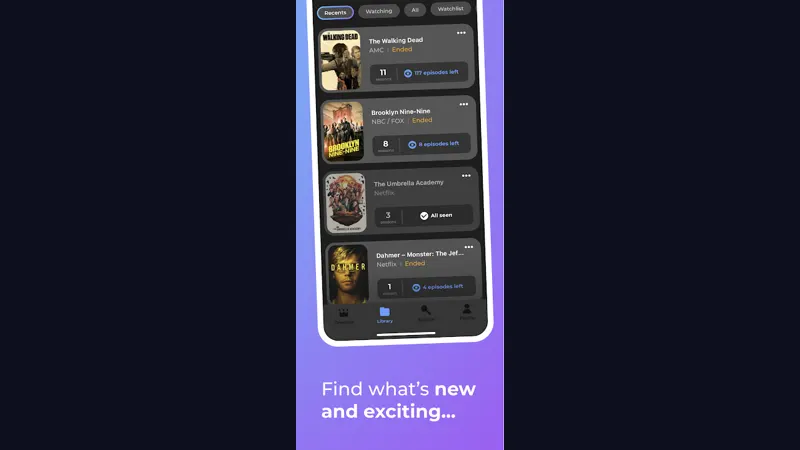
Simkl is a watching diary and tracker with a particular fondness for organised lists: what you are watching, what you plan to watch, what you have completed, and what you dropped, all kept as tidy, browsable records. Connect it inside the app and the titles you watch begin populating those lists automatically. For viewers who think in lists (and media center users disproportionately do), that structure is the appeal.
Connecting Simkl inside the app
Find the Simkl option in the app's profile or sync area and follow the sign in it presents, using the same account on phone and television. Then verify behaviour, not settings: finish one episode, wait a moment, and check it appears in your Simkl history. That test, done once, settles every question about whether sync is really live. The matching verification habit for the other service is described in our Trakt sync guide, and the discipline is identical.
Watchlist notifications that help
Simkl connected titles can feed watchlist notifications inside the app, reminding you when something you meant to watch deserves an evening. Keep those notifications narrow (watchlist only) and they remain a service. The general principle, true for both sync platforms, is that a diary should whisper occasionally, never chatter daily. Viewers who let it chatter mute it, and then blame the diary for silence.
Choosing between the two diaries
Choose the one you already use, if either. Choose Trakt for the larger community and longest history in this role. Choose Simkl if its list centred organisation matches how your brain files television. What you should not do is run both half heartedly and keep two diverging histories; a diary's value is being the single source of truth. Your library habits on top of either service are the same, and the library and progress guide covers them once, for both.
When the diary and the app disagree
Trust the most recent watch. Sync hiccups usually come from a device that was offline when an episode ended; reconnect, watch a few minutes of anything, and the records typically reconcile. If one device has drifted badly, disconnect and reconnect that device. Your history lives with the service, so reconnecting is safe, quick, and loses nothing you have watched.
Pick the diary, then watch
Simkl inside Nuvio TV suits viewers who think in lists and like their watching history tidy. Connect Simkl to Nuvio TV once, verify one episode lands, and then stop thinking about sync entirely. The right diary for Nuvio TV is whichever one you will still be using, happily, a year from now.
Quick Answers
Is Simkl free to use with the app?
Simkl offers free accounts covering the tracking described here.
Can I switch from Trakt to Simkl later?
Yes. Connect the new service and let it become your diary from that point. Histories do not merge automatically.
Does Simkl sync my library too?
Connected sync keeps watched history and watchlist aligned across your devices.