
Guide
Nuvio TV Buffering Fixes: The Order That Actually Solves It
Buffering has a short list of causes. Work it in order: stream choice, network load, wired TV connections, and addon behaviour, without random tweaking.

GUIDE INDEX On this page
Buffering invites panic tweaking, and panic tweaking fixes nothing while breaking two working settings. This guide, from the playback testing behind Nuvio TV, works the causes in the order they actually occur.
First: choose a lighter stream
The stream list is a menu of trade offs. A very large file on a busy evening network will buffer no matter how healthy everything else is. Pick the next size down and watch for ten minutes. If the picture holds and the story flows, you have found your household's honest tier, which might be lower at 8pm than at midnight. This single change resolves the majority of buffering complaints we hear, and it costs nothing but a little pride about numbers.
Second: look at the network, honestly
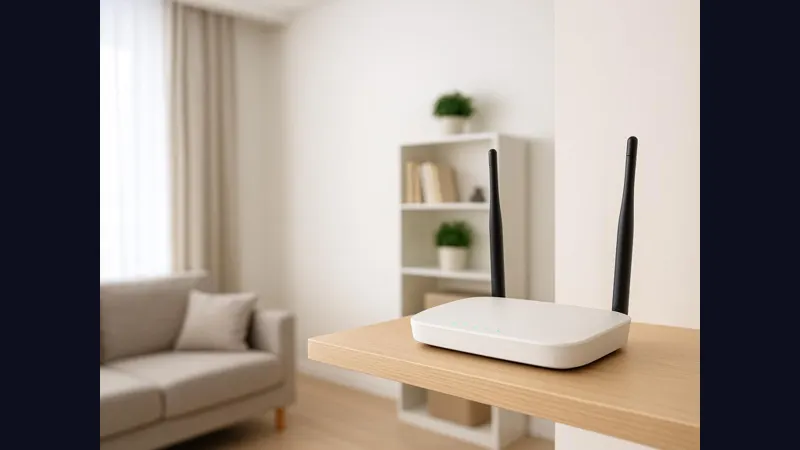
How many devices are streaming, gaming or updating at once? Is the television on a distant Wi-Fi band through two walls? Small truths live here. Move the router if you can, prefer the stronger band for the TV, and where the television sits near the router, a cable ends the argument permanently. The wider device picture is covered in our performance guide, including the modest TV hardware cases where patience, not settings, is the fix.
Third: suspect the source, not the player
Streams come through your addons, and individual sources vary by hour. If one title buffers while everything else plays cleanly, try a different stream for that same title, and then a different addon if you run more than one. How sources get ordered, and why a good second addon is a buffering tool as much as a coverage tool, is explained in the addon priority guide.
Fourth: restart the right thing
Restart the app before you restart the router, and the device before you reinstall anything. A clean restart clears the temporary states that accumulate over weeks of sleep and resume, on televisions especially. Reinstalling sits at the very end of the list, after the checks in the common problems guide, because nearly everything buffering related is solved long before it.
Know what fixed looks like
A fixed setup plays a full episode at your chosen tier without a pause you did not ask for. Judge over an episode, not a minute: networks breathe, and a calm minute can hide a busy hour. Once you find the tier and setup that hold, leave them alone. Stability in a media center is a feature you build once and then protect by not fiddling.
Stability is the setting
When Nuvio TV plays a full episode at a tier your network can honestly hold, you are done: stop fixing. Most buffering in Nuvio TV was never a mystery, just a queue of small causes, and the order in this guide is the order that clears the queue. Protect the working setup in Nuvio TV by leaving it alone.
Quick Answers
Why does buffering happen mostly in the evening?
Evening is peak load for your home network and for sources. A lighter stream tier at peak hours is the standard cure.
Does a wired connection really help a TV?
Yes, noticeably, where the TV sits near the router. It removes Wi-Fi distance and congestion from the picture entirely.
Should I reinstall the app if buffering persists?
Only at the end of the checklist. Stream choice, network and source explain nearly every case first.